If you ever clicked “Yes, and don’t ask again” in Claude Code on a command that had a password in it, stop for two minutes and check one file. That click can save the whole command, password included, in plain text, in a file inside your project. And that file can end up on GitHub. This month, researchers found exactly that in more than a thousand public copies of that file on GitHub, with database passwords, SSH logins and cloud keys sitting in the open.
Nobody hacked anyone here. The agent wrote down what you approved, in a file most people never open, and a commit did the rest. I lead a team that ships Magento and Adobe Commerce stores for US clients, and secrets in a repository are something I deal with in code review. The fix is a habit. You don’t need to drop the tool.
So here is the plan: what happened, how one click turns into a public password, five protections from the easiest to the one that hurts, and, at the end, a one-line git command that tells you if you already leaked a password this way.
What Apiiro found in 104,185 files
Apiiro, an application security company, published the research on November 5, 2026. The authors, Shmulik Cohen and Matan Giladi, used GitHub code search on default branches between November 1 and 3 and looked for one file: .claude/settings.local.json.
Claude Code is Anthropic’s coding agent: it runs in your terminal or editor, reads your project and runs commands for you. settings.local.json is its personal settings file for one project. According to the reports on Apiiro’s study:
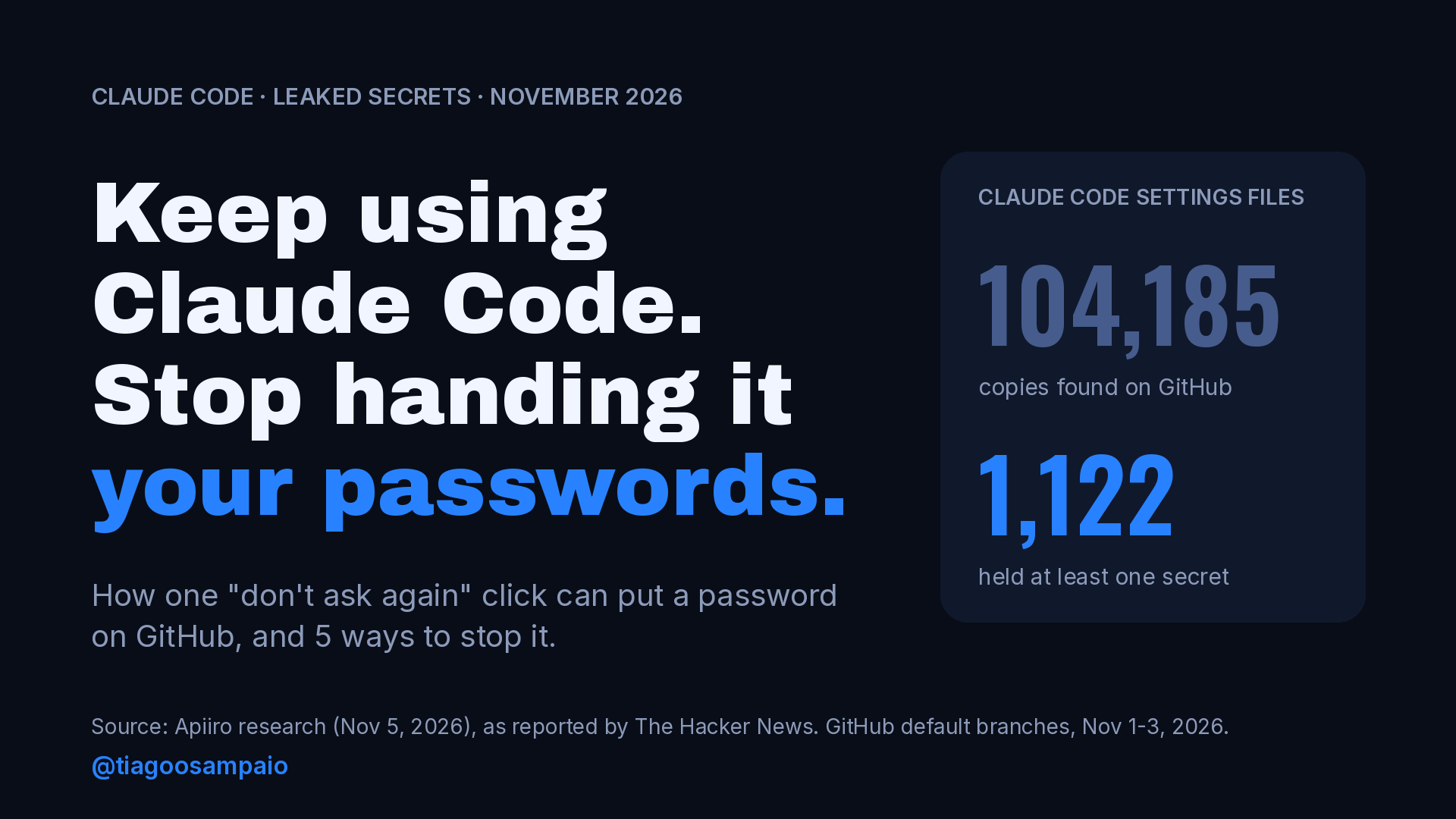
- They found 104,185 copies of the file in 103,617 repositories.
- 1,122 copies hold at least one real secret, 1,379 different secrets in total.
- Adding older versions of the file, the shared
.claude/settings.jsonand saved agent transcripts, the total is 2,539 secrets across 1,994 repositories. - More than a third of the secrets open a database directly, including 379 database passwords. Others include 43 SSH logins, 42 GitHub, GitLab or npm tokens and 23 AWS keys.
- In 539 of the 1,105 repositories they traced, a commit listing Claude as a co-author changed the file.
One important detail: Apiiro says no credential was used or tested. “Real secret” in their report means it looks like a real secret, not that it was confirmed to work. Keep that in mind, because the next study fills that gap.
How one click becomes a password in a file
Claude Code asks before it runs a shell command. The prompt gives you options like “Yes”, “No” and “Yes, and don’t ask again”. The permissions documentation says what the last one does for shell commands: the approval lasts “permanently per repository and command”, and Claude Code saves the rule to .claude/settings.local.json at the root of the repository.
Most of the time that is great. You approve npm test once and the agent stops asking. The problem is the command itself. Picture this: 11 p.m., a migration is stuck, and you paste the database password straight into the command so Claude can fix it. Claude asks to run it. Then it asks again, and again. On the fifth time you click “don’t ask again” just to make it stop.
Apiiro’s point is that the saved rule is often the command word for word, secret included. An illustrative example of what can end up in the file:
{
  "permissions": {
    "allow": [
      "Bash(PGPASSWORD='fake-password-123' psql -h db.example.com -U app -d shop)"
    ]
  }
}
That would be your production password, in plain text, in a JSON file inside the project folder. The file is there to remember permissions. Nobody opens it to look for passwords.
Why “Claude Code ignores that file” is not enough
Anthropic did think about this file. The settings documentation explains that the first time Claude Code writes settings.local.json in a git repository that doesn’t already ignore it, it adds **/.claude/settings.local.json to your global git excludes file. It also says: if you create the file by hand, add it to .gitignore yourself.
The key word is global. That ignore rule lives in your git config, on one machine. It is not in the project’s .gitignore, so it doesn’t travel with the repository. As GitGuardian put it: “Claude Code keeps that file out of git on your machine, but nothing in the repository does.”
So the protection does not cover:
- a file you or a script created by hand;
- a new laptop where Claude Code has not written the file yet;
- a teammate’s setup, or an older clone where the file was already tracked by git.
And git is only one way out. GitGuardian points out that Docker’s COPY takes the files in your folder (“the working tree, not the git index”), not only what git tracks, so a file that git ignores still goes into the image unless .dockerignore lists .claude/. A study of public npm packages, reported in April 2026, found the file in 428 of about 46,500 packages, with credentials in 33 files across 30 packages.
Two studies, two numbers: Apiiro and GitGuardian
Four days after Apiiro, GitGuardian, a company that builds secret detection tools, published its own numbers on November 9, 2026. Guillaume Valadon, a researcher there, scanned public GitHub from January 2025 to November 7, 2026, history included, not only what sits on default branches today.
The two studies measure different things, so their numbers don’t add up and you should not add them together:
| Apiiro | GitGuardian | |
|---|---|---|
| Published | Nov 5, 2026 | Nov 9, 2026 |
| What was scanned | Current copies on default branches (GitHub code search, Nov 1–3) | Public GitHub, January 2025 to November 7, 2026 |
Secrets in settings.local.json | 1,379 distinct in 1,122 files | 31,088 distinct in 23,276 repositories |
| Wider count | 2,539 secrets in 1,994 repos (with history, settings.json, transcripts) | 613 secrets in public Docker Hub images (543 image repositories) |
| Did they test the secrets? | No | Yes: 5,343 worked when detected; 99 valid on Docker Hub |
GitGuardian’s validation answers the question Apiiro left open. Thousands of these secrets were live when they were found. The biggest live group was database credentials, with 2,280 distinct valid secrets.
There is some good news in GitGuardian’s data too. Leaks in this file peaked at 12,535 occurrences in April 2026 and fell to 959 by October, a 92% drop. Valadon writes that he does not know what changed in the spring. Fewer new leaks does not clean up the old ones, though, and that is the next part.
Deleting the file does not delete the leak
This is the detail that makes the cleanup actually work. When people find a password in a committed file, the first instinct is to delete the file and push. The password is still there.
Git keeps every version of every file. Apiiro found 734 more secrets across 509 repositories only in older versions of the file, not in any current copy. And 211 forks of 74 repositories carry the same secrets as the originals. A fork is someone else’s copy. You can’t clean it.
GitHub’s own guide is clear about the order: revoke or rotate the secret first. Rewriting history comes after, and it can’t reach other people’s clones or forks. Keep that in mind for protection number one.
Five protections, from the easiest to the one that hurts
These go from “costs you nothing” to “costs you an evening”. Do them in order.
5. Keep secrets out of the command
Never type a password, token or key inside a command you give the agent. Put it in an environment variable, a .env file your shell loads, or a secret manager, and reference it by name:
# Bad: the value goes into the command, and maybe into the saved rule
PGPASSWORD='fake-password-123' psql -h db.example.com -U app -d shop

# Better: the command holds only the variable name
PGPASSWORD="$DB_PASSWORD" psql -h db.example.com -U app -d shop
If this command is ever saved as a rule, the file holds $DB_PASSWORD, not the password. If the secrets live in a .env file, you can also stop Claude from reading it with deny rules, the same ones the settings docs show as an example:
{
  "permissions": {
    "deny": [
      "Read(./.env)",
      "Read(./.env.*)"
    ]
  }
}
4. “Yes” once, never “don’t ask again”, on a command with a credential
If a command has any secret in it, approve it once. It is one extra click. Save “don’t ask again” for safe, repeatable commands, and prefer narrow pattern rules over exact commands. In the permission docs, a * in a rule matches any text, so Bash(npm run test *) covers the whole npm run test family. The Bash(npm run test:*) form is an equivalent way to write it. A pattern rule like that never contains a password, because the password was never part of the pattern.
Every now and then, open .claude/settings.local.json and read the allow list. If you see anything that looks like a secret, delete the rule and go straight to protection number one.
3. Put the file in the project’s own ignore files
Don’t trust the global ignore alone. Add the file to the repository, so the protection travels with every clone, laptop and CI job:
# .gitignore
.claude/settings.local.json
Also add .claude/ to .dockerignore and to .npmignore (or use the files list in package.json) if you publish images or packages. You can check what is really ignoring the file today:
git check-ignore -v .claude/settings.local.jsonIf the answer points to a file in your home folder, such as ~/.config/git/ignore, the protection is only on your machine. If the file is already tracked, this prints nothing at all; the git log command at the end of this guide tells you more. For a tech lead, this one belongs in the team’s repository template, so nobody has to remember it.
2. Look at what is going up before every commit
Friday, end of the day, git add . and push without looking. That is the easiest way for this file to get published. Before any commit, and especially one the agent made for you, read the staged changes:
git diff --staged --stat
git diff --staged
Then turn on secret scanning: GitHub push protection, gitleaks or TruffleHog in a pre-commit hook and in CI. But don’t treat the scanner as the safety net. Of the 1,122 files with a secret in Apiiro’s study, gitleaks flagged 564 and TruffleHog 643, and neither flagged 215. A password inside a command does not always look like a password to a tool. The habit of reading the diff matters more than the tool.
1. The one that hurts: rotate first, then clean
You found a secret in a committed file. The order matters:
First, rotate the secret. Change the database password, revoke the token, create a new key. This is the only step that actually closes the door, and it is the one that gives work: new credentials in production, in CI, in every teammate’s environment.
Second, stop tracking the file and keep it ignored:
git rm --cached .claude/settings.local.json
echo ".claude/settings.local.json" >> .gitignore
git commit -m "Stop tracking Claude Code local settings"
Third, clean the history, if the repository needs it. GitHub’s guide uses git filter-repo (the --sensitive-data-removal flag needs a recent version):
git filter-repo --sensitive-data-removal --invert-paths --path .claude/settings.local.jsonThen force-push and ask everyone on the team to re-clone. Rewriting history can’t reach forks or other people’s clones, which is exactly why rotation comes first.
Fourth, remove the bad rule from your local settings.local.json too, or the agent will keep using the old command.
Deleting the file alone fixes nothing.
The one-line command: did you already leak a password?
Here is the promise from the start. Run this in each of your repositories:
git log --all --oneline -- .claude/settings.local.jsonIf it prints nothing, that file was never committed in any branch you have locally. If it prints one or more commits, the file was committed at some point. Open those versions and read them:
git log --all -p -- .claude/settings.local.jsonLook for passwords, tokens, keys and connection strings. Do the same for the shared file, which Apiiro also found secrets in:
git log --all --oneline -- .claude/settings.jsonIf you own many repositories, search your GitHub organization for path:.claude/settings.local.json in code search. Anything you find goes to protection number one: rotate first.
What Anthropic says, and my take
Boris Cherny, who leads Claude Code at Anthropic, answered on Hacker News, as quoted by Slashdot. He wrote that “Historically Claude Code has not done secret scrubbing (there are many good tools for that)” and that “we are looking into what we can do to prevent this.” He also said the file “is meant to stay local”, that Claude Code gitignores it when it creates the file, “so in this case the files were manually created and checked in”. He pointed people to auto mode, which he said “is enabled by default and is included for free in all plans.”
Apiiro’s data shows a Claude co-authored commit changing the file in 539 of 1,105 traced repositories, so the “manually created” explanation does not tell the whole story. Users have reported this mechanism in Claude Code’s GitHub issues since August 2025, and earlier reports were closed by a bot.
My take, as a tech lead who reviews other people’s commits: both sides have a point. Developers should not paste production passwords into commands, and a good team catches that file in review. But a tool used by this many people should make the safe path the default. A protection that lives in one person’s global git config is not a project protection. Anthropic should stop saving rules that contain inline secrets, or at least warn before it saves one. Until then, the habit is on us.
A quick checklist for you and your team:
- Do we pass secrets as variables, never as values inside commands?
- Does anyone use “don’t ask again” on commands with credentials?
- Does our repository template ignore
.claude/settings.local.json, and.claude/in.dockerignoreand.npmignore? - Does someone read the staged diff before agent commits go up?
- Is secret scanning on, in pre-commit and in CI?
- Did we run the
git logcommand on every repository? - If we find something, do we all know that rotation comes first?
Keep using Claude Code. Just stop handing it your passwords.
Does your team’s .gitignore template already cover the config files your coding agents create?
Sources
- Apiiro, Shmulik Cohen and Matan Giladi, “Coding Agents Are Leaking Your Secrets to GitHub” (Nov 5, 2026, updated Nov 8): https://apiiro.com/blog/coding-agents-leaking-secrets-github-dont-ask-again
- The Hacker News, “Claude Code’s ‘Don’t Ask Again’ file…”: https://thehackernews.com/2026/11/claude-codes-dont-ask-again-file.html
- FourWeekMBA, “Most of 2,539 Leaked Secrets Sat in a Claude Code File”: https://fourweekmba.com/ai-most-of-2-539-leaked-secrets-sat-in-a-claude-code-file/
- GitGuardian, Guillaume Valadon, “Claude Code settings.local.json Secrets: GitHub, Docker Hub” (Nov 9, 2026): https://blog.gitguardian.com/claude-code-settings-local-json-secrets-docker-hub/
- Claude Code docs, Settings files and precedence: https://code.claude.com/docs/en/settings
- Claude Code docs, Configure permissions: https://code.claude.com/docs/en/permissions
- Slashdot, quoting Boris Cherny on Hacker News: https://tech.slashdot.org/story/26/11/08/1758242/
- SecurityBrief, Claude Code can leak secrets in public npm packages: https://securitybrief.co.nz/story/claude-code-can-leak-secrets-in-public-npm-packages
- GitHub Docs, Removing sensitive data from a repository: https://docs.github.com/en/authentication/keeping-your-account-and-data-secure/removing-sensitive-data-from-a-repository
Leave a Reply