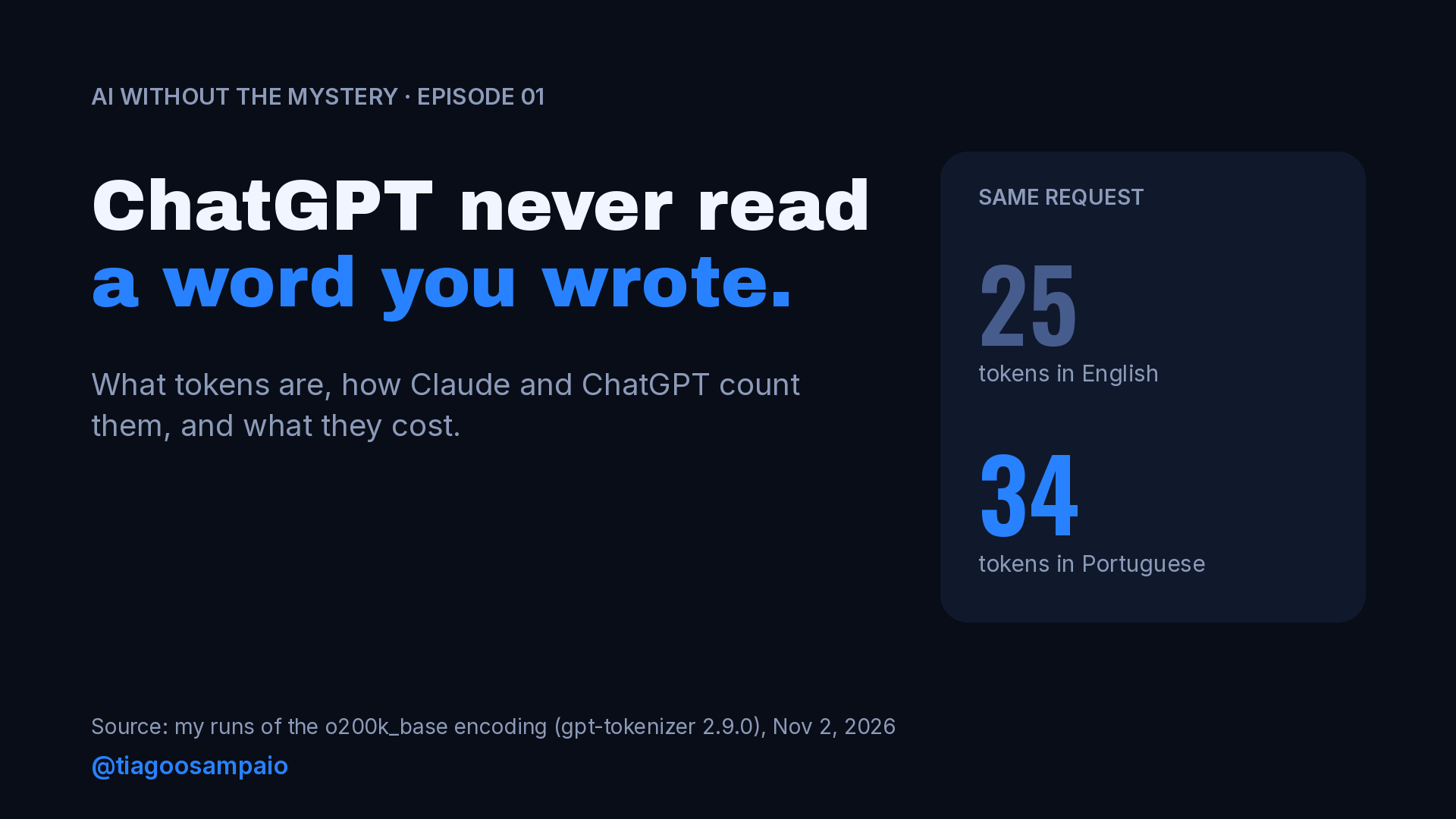
I’m starting a short video series in Portuguese called “IA sem Mistério” (AI without the mystery). The first episode opens with a line that sounds like clickbait: ChatGPT has never read a single word you wrote. It is true, though. Before a language model sees your prompt, a tokenizer cuts it into pieces called tokens. The model reads tokens, writes tokens, and every limit and every bill in the AI world is measured in tokens.
A short video can only show the idea. This is the engineering version. I ran the examples myself, I checked the numbers against the vendors’ own documentation, and I kept the parts that matter when you use these tools every day or build on top of their APIs.
If you only remember one thing from this post: you type words, the model reads tokens, and the difference between the two decides how much context you have, how fast you hit your plan’s limit and how much an API call costs.
What a token actually is
A token is a chunk of text that the model treats as one unit. Sometimes it is a whole word. Sometimes it is part of a word. Sometimes it is a single comma or period. The model never sees letters or words directly. It sees a sequence of integer IDs, one per token, taken from a fixed vocabulary that was built before the model was trained.
OpenAI’s help center gives the rules of thumb most people quote: “1 token ~= 4 chars in English”, “1 token ~= ¾ words” and “100 tokens ~= 75 words”. The same article adds the part people forget: “How words are split into tokens is also language-dependent” (OpenAI).
Tokens also explain something you see every day. When an answer appears on the screen a little at a time, you are watching the model produce one token after another. Each new token depends on everything before it, so the output is built piece by piece.
How tokenizers decide where to cut
Many modern tokenizers descend from an idea that came from data compression. In 2015, Rico Sennrich, Barry Haddow and Alexandra Birch proposed “a segmentation based on the byte pair encoding compression algorithm” for machine translation, “encoding rare and unknown words as sequences of subword units” (arXiv:1508.07909).
Byte pair encoding (BPE) works roughly like this:
- Start with the smallest units, characters or bytes.
- Count which pair of neighboring units appears most often in a huge training corpus.
- Merge that pair into a new unit and add it to the vocabulary.
- Repeat until the vocabulary reaches the size you want.
The result is a vocabulary where frequent sequences become single tokens and rare ones are left in pieces. That is why the split does not follow the syllables we learned at school. It follows the statistics of the text the tokenizer was trained on. OpenAI’s open source library tiktoken describes it in one line: “Byte pair encoding (BPE) is a way of converting text into tokens” (tiktoken).
Many current tokenizers work at the byte level, which means any input can be encoded, including emoji and characters the vocabulary never saw as a whole. Those just cost more tokens.
Seeing it with real examples
I wanted real numbers for the video, so I tokenized my examples with o200k_base, the encoding that OpenAI’s tiktoken library maps to GPT-4o. I ran it in Node with the gpt-tokenizer package (version 2.9.0), which ships the encoding inside the package:
npm i [email protected]import { encode, decode } from 'gpt-tokenizer/encoding/o200k_base';
const text = 'A inteligência artificial está mudando o mercado de trabalho.';
const tokens = encode(text);
console.log(tokens.length); // 11
console.log(tokens.map(t => decode([t]))); // the text of each tokenIf you prefer Python, OpenAI’s own tiktoken library exposes the same encoding (pip install tiktoken):
import tiktoken

enc = tiktoken.get_encoding("o200k_base")
tokens = enc.encode("A inteligência artificial está mudando o mercado de trabalho.")
print(len(tokens))
Here is what came out of my runs:
| Text | Words | Tokens | How it was split |
|---|---|---|---|
| developer | 1 | 1 | developer |
| desenvolvedor | 1 | 3 | des · envol · vedor |
| inconstitucionalmente | 1 | 4 | in · constit · ucional · mente |
| A inteligência artificial está mudando o mercado de trabalho. | 9 | 11 | … · mud · ando · … |
| strawberry | 1 | 3 | st · raw · berry |
| 2026-11-02 | 1 | 6 | 202 · 6 · – · 11 · – · 02 |
| 🚀🔥 | – | 3 | byte-level pieces |
Two details are worth a closer look. First, the space before a word usually travels with the word, so ” mercado” (with the leading space) is one token. Second, “mudando” becomes “mud” plus “ando”, which has nothing to do with how a Portuguese speaker would split it.
The strawberry row is the reason models famously struggled to count the letter “r” in that word. The model receives three opaque pieces, not ten letters. Many current models get it right now, but tasks that depend on individual characters remain a natural weak spot. When I need that kind of precision, I ask the model to spell the word out before it counts.
Code and technical text tokenize differently
Since most of my work is Magento and Adobe Commerce, I ran a couple of lines I type every week:
| Text | Characters | Tokens |
|---|---|---|
$product = $this->productRepository->get($sku, false, $storeId); | 64 | 18 |
bin/magento setup:upgrade && bin/magento cache:flush | 52 | 15 |
In this small sample, the PHP line averaged about 3.6 characters per token, while the English support message I tested later averaged about 5.6. Symbols like ->, $ and ($ each take their own token, and even bin/magento is cut into bin, /m, ag and ento. Two lines are not a benchmark, but it matches what I see in practice: pasting a large file or a long stack trace into a chat uses tokens much faster than the same number of characters of plain prose.
Why Portuguese usually costs more than English
For the second episode of the series I compared the same request in both languages:
| Request | Words | Tokens |
|---|---|---|
| Write a LinkedIn post about remote work. | 7 | 9 |
| Escreva um post para o LinkedIn sobre trabalho remoto. | 9 | 13 |
| Our checkout is failing for customers in Brazil. Please check the payment integration logs and tell me what changed since yesterday’s deploy. | 22 | 25 |
| Nosso checkout está falhando para clientes no Brasil. Por favor, verifique os logs da integração de pagamento e me diga o que mudou desde o deploy de ontem. | 28 | 34 |
In my samples the Portuguese versions used about 36% to 44% more tokens. It is not always the case: “Hello, how are you?” and “Olá, como você está?” both came out at 6 tokens. Short, common phrases tend to be cheap in any language. The gap shows up in longer and less common text.
This is not a quirk of one tokenizer. A 2023 NeurIPS paper by Petrov, La Malfa, Torr and Bibi found tokenization length differences “up to 15 times in some cases” for the same text translated into different languages, and reported that “these disparities persist across the 17 tokenizers we evaluate”, even multilingual ones (arXiv:2305.15425). The authors point out what that means in practice: some language communities pay more, wait longer and fit less into the model’s context.
Does that mean you should write every prompt in English? For daily use, I don’t think so. A clear prompt in the language you think in beats a confusing one in English. The difference starts to matter when you call an API at scale and pay per token. There, testing your prompts in both languages is worth an afternoon.
Every model counts differently
The numbers above are for one OpenAI encoding. Claude uses its own tokenizer, and it even changed between Claude generations. Anthropic’s pricing page says: “Claude 4.7 and later models and Claude Mythos Preview use a newer tokenizer that contributes to their improved performance on a wide range of tasks. This tokenizer produces approximately 30% more tokens for the same text. The exact increase depends on the content and workload shape.” (Anthropic pricing).
So a prompt that measured 1,000 tokens on an older model can measure around 1,300 on a newer one. The token counting docs give the practical advice: “Recount prompts against the model you plan to use rather than reusing counts measured against earlier models” (Anthropic token counting).
Anthropic exposes an endpoint for exactly that, POST /v1/messages/count_tokens. This is the example from the docs, with the import added:
import anthropic

client = anthropic.Anthropic()
response = client.messages.count_tokens(
    model="claude-opus-5-5",
    system="You are a scientist",
    messages=[{"role": "user", "content": "Hello, Claude"}],
)
print(response.json())
The docs show the output { "input_tokens" : 14 }. Three details from the same page are worth knowing. “Token counting is free to use but subject to requests per minute rate limits based on your usage tier.” The count “is an estimate” and the real number “might differ by a small amount”. And the endpoint “counts under the tokenizer of the model you pass”, which is exactly what you want after a model upgrade.
Where your tokens actually go
This is the part that explains most “why did my limit run out?” complaints.
The whole conversation is input on every turn
Anthropic’s context window docs describe a “progressive token accumulation”: the input of each turn “contains all previous conversation history plus the current user message”, and each response “becomes part of the input for the next turn” (Anthropic context windows).
A quick illustration with round numbers. If every message and reply adds about 500 tokens, turn 1 processes 500 tokens, turn 2 processes 1,000, turn 3 processes 1,500, and so on. After 20 turns, the model has processed 500 × (1 + 2 + … + 20) = 105,000 tokens to keep that one conversation going. Four separate conversations of five turns each would process 30,000. Prompt caching makes repeated input much cheaper on the API, but the tokens still occupy the context window.
The Claude Help Center says it plainly for the apps: longer conversations that trigger automatic context management consume more of your usage limit, tools and connectors use a lot of tokens, and higher effort uses more tokens (Claude Help Center).
The context window is the model’s working memory
The docs define the context window as “all the text a language model can reference when generating a response, including the response itself”, a “working memory” for the model. Claude Opus 5.5, Sonnet 5.5 and Haiku 5.5, among others, have a 1M-token context window, and “a single request to any of them can generate up to 128k output tokens”. Other models, including Claude Sonnet 4.5, have 200k.
A million tokens is a lot, but long agent sessions, big codebases and attached documents fill it faster than people expect.
Thinking, images and tools are tokens too
- Extended thinking: “Thinking tokens are a subset of your
max_tokensparameter, are billed as output tokens, and count toward rate limits.” - Images: for images that are not resized, Anthropic’s vision docs give the estimate
tokens = (width px * height px)/750. A 1000×1000 image is about 1,334 tokens (Anthropic vision). - Tools and connectors: tool definitions and results go into the context like any other text, which is why the Help Center warns that they consume a lot of tokens.
What tokens cost
On the API, you pay per million tokens (MTok), and input and output have different prices. Current list prices from Anthropic:
| Model | Input | Output |
|---|---|---|
| Claude Opus 5.5 | $4 / MTok | $20 / MTok |
| Claude Sonnet 5.5 | $2 / MTok | $10 / MTok |
| Claude Haiku 5.5 (prompts up to 100k tokens) | $0.10 / MTok | $0.50 / MTok |
For these three models, an output token costs five times an input token. Long, chatty answers are where the money goes, so asking for the format you need (“three bullets”, “max 120 words”) is also a cost decision.
Prompt caching changes the input side. A 5-minute cache write costs 1.25x the base input price, and a cache read on Opus 5.5 costs $0.20 per million tokens, according to the same pricing page. If you send the same long system prompt or document over and over, caching is the first optimization to look at.
What I do differently because of this
These are the habits I follow, and every one of them came straight from understanding tokens:
- One topic, one conversation. When the subject changes, I start a new chat. If the old one had useful context, I ask for a short summary and paste it into the new one.
- Send what the model needs, not everything I have. A relevant excerpt of a log beats the full log. The relevant class beats the whole module.
- Put stable instructions where they belong. Rules I repeat go into project instructions or a system prompt, which on the API can also be cached.
- Ask for the output format. Shorter, structured answers are easier to review and cheaper.
- Recount after every model upgrade. Tokenizers change. Budgets and context estimates built on old counts drift.
- Test the language on API workloads. For batch jobs, I compare token counts for Portuguese and English prompts before deciding.
A quick checklist before your next big prompt or integration:
- Do I know roughly how many tokens this prompt is, on the model I will actually use?
- Am I resending history or files that the model no longer needs?
- Have I asked for a specific output length or format?
- Could caching or a smaller model handle the repeated part?
You type words. The model reads tokens. Once you see the pieces, you start writing prompts, designing integrations and reading your usage limits differently.
What surprised you most the first time you checked how many tokens your own prompts use?
Sources
- Sennrich, Haddow and Birch, “Neural Machine Translation of Rare Words with Subword Units” (2015): arXiv:1508.07909
- Petrov, La Malfa, Torr and Bibi, “Language Model Tokenizers Introduce Unfairness Between Languages” (NeurIPS 2023): arXiv:2305.15425
- OpenAI Help Center, “What are tokens and how to count them”: help.openai.com
- OpenAI, tiktoken: github.com/openai/tiktoken
- Anthropic, Token counting: platform.claude.com
- Anthropic, Pricing: platform.claude.com
- Anthropic, Context windows: platform.claude.com
- Anthropic, Vision: platform.claude.com
- Claude Help Center, usage and length limits: support.claude.com
- Token counts in this post: my own runs of the o200k_base encoding with gpt-tokenizer 2.9.0, November 2, 2026.
Leave a Reply